

 Written by
Knowledge sharing, not immigration advice. This guide explains the public steps in plain language, based on Immigration, Refugees and Citizenship Canada (IRCC) pages checked in October 2026. Rules and test formats change, so always confirm on IRCC’s site. For advice on your own situation, speak to a licensed immigration consultant (RCIC) or a lawyer.
I can still remember vividly how nervous my wife and I were when it was time to take our Canadian citizenship test. It is funny how high your level of anticipation can be while you wait for the email from IRCC inviting you to take your online citizenship test.
We started studying with the official guide, and it helped us pass our citizenship test in one sitting. I was still nervous, but the tips below were the game changer for us. I also explain exactly what the test looks like, so nothing surprises you on the day.
Key takeaways
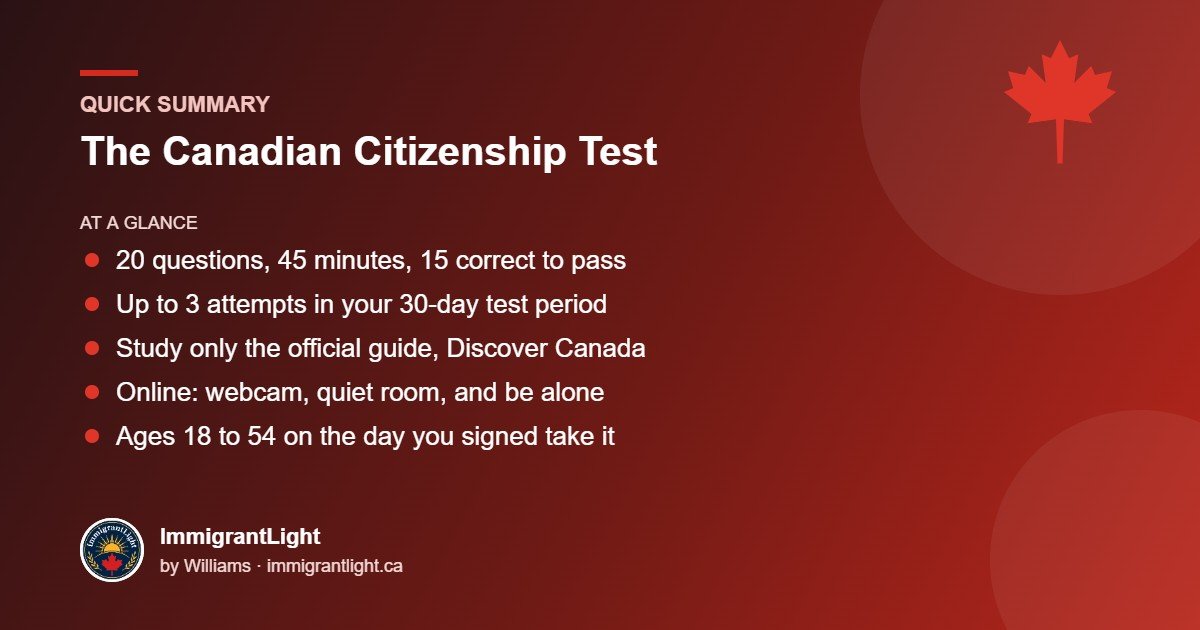
- The test has 20 questions. You have 45 minutes and need 15 correct answers to pass.
- Every question comes from the free official study guide, Discover Canada.
- You get up to 3 attempts within the 30-day test period in your invitation.
- For the online test you need a computer or tablet with a webcam, a quiet room, and to be alone.
- Applicants aged 18 to 54 on the day they signed their application take the test.
Who has to take the Canadian citizenship test
If you were 18 to 54 years old on the day you signed your citizenship application, you must take the test. Children under 18 and adults 55 and over do not. IRCC sends your invitation after you apply, so there is nothing to book in advance. If you haven’t applied yet, start with my guide on how to apply for Canadian citizenship.
What the citizenship test looks like
- 20 questions, multiple choice or true/false.
- 45 minutes. Once the timer starts, you can’t stop it. You get a warning with 5 minutes left, and the test submits automatically at 45 minutes.
- 15 correct answers (75%) to pass.
- Up to 3 attempts within the 30-day test period in your invitation.
- English or French.
- Online, in person or through Microsoft Teams, depending on your invitation.
The questions cover the rights and responsibilities of citizenship and Canada’s history, geography, economy, government, laws and symbols. The test does not grade your English or French, but it is all in one of those languages, so reading comfortably helps.
My 4 tips to pass the citizenship test
1. Use only the official study guide
Every question comes from Discover Canada: The Rights and Responsibilities of Citizenship. It is free. You can read it online, download it as a PDF or eBook, listen to the audio version, or order a paper copy. Make it your main book and go through it more than once. IRCC also links to official practice questions on the same page.
2. Avoid question dumps from the internet
Search online and you will find lists of “real test questions” and endless practice banks. Many are outdated or simply wrong, and they will confuse you. If a question or answer doesn’t match the official guide, trust the guide.
3. Study in a group if possible
Quiz your partner, family or friends who are also applying, and let them quiz you. Explaining an answer out loud is one of the best ways to remember it, and it makes studying less lonely.
4. Choose a quiet place
Study somewhere you can focus. For the online test, this matters even more: you must be alone, in a quiet, well-lit room, with no one walking in. Plan ahead so children and visitors are elsewhere during your test time.
The tips in one place
- Use only the official study guide.
- Avoid question dumps from the internet. They will confuse you.
- Study in a group if possible.
- Choose a quiet place to study and to take your test.
Before your online test: a quick checklist
- Your device: a desktop, laptop or tablet with a webcam, using Chrome or Safari. IRCC says not to use a mobile phone, Chrome on an iPad, a Microsoft Surface Pro, or a VPN.
- Your ID: your PR card (even if expired), or a valid photo ID with your signature, such as a driver’s licence or health card.
- Your room: take the test alone, in good lighting, in the same place where you take your ID and identity photos. Remove anything with personal information from the background.
- Your test link: you sign in with your application number and unique client identifier (UCI), both in your IRCC letters. When you’re ready, you request your personal test link. It expires after 15 minutes, so set up your room, device and ID first.
The full rules are on IRCC’s online test page.
During the test
- No study materials and no other devices.
- No other tabs, windows or programs open.
- Keep your face fully visible on the webcam.
- Don’t use your browser’s back button.
Breaking these rules can get your test invalidated, even by accident. Read each question carefully, answer the ones you know first, and keep an eye on the clock.
After the test: your results
For the online test, you see a score right away, but it is temporary. An officer reviews it, which can take a few days or a few weeks, and you won’t get a confirmation email. For in-person and Microsoft Teams tests, you get your official score right after the test.
Once you pass, you may be invited to an interview, depending on your case. The next step is the citizenship ceremony, where you take the oath.
What if you don’t pass?
Don’t panic. You have up to 3 attempts within your 30-day test period. If you don’t pass after all 3, IRCC invites you to a hearing with a citizenship official. It lasts 30 to 90 minutes and can include 20 oral knowledge questions (you need 15 correct), questions about your residence in Canada, and a short language assessment. If you don’t pass the hearing, your application is refused and you would need to reapply and pay the fees again. That is why the time you put into the study guide now is worth it.
Free download
Download tips on how to pass your citizenship test
A printable two-page guide with the test at a glance and my 4 tips. Keep it next to your study guide.
Enter your email and the download opens instantly.
Frequently asked questions
How many questions are on the Canadian citizenship test?
20 questions, multiple choice or true/false. You need 15 correct answers to pass.
How long is the citizenship test?
45 minutes. The timer can’t be paused once it starts.
What should I study for the citizenship test?
The free official study guide, Discover Canada: The Rights and Responsibilities of Citizenship. Every question comes from it.
Can I take the citizenship test online?
Yes, if your invitation is for the online test. You need a computer or tablet with a webcam, Chrome or Safari, valid ID and a quiet room where you are alone. Some people are invited to take it in person or through Microsoft Teams instead.
How many times can I take the citizenship test?
Up to 3 times within the 30-day test period in your invitation. After 3 unsuccessful attempts, you are invited to a hearing with a citizenship official.
Do I need to take the test if I am over 55?
No. Only applicants aged 18 to 54 on the day they sign their application take the test.
Sources: IRCC pages on studying for the test, taking the online test and test results and next steps. Last checked: October 14, 2026. Spotted something out of date? Email info@immigrantlight.ca.